How to Fix Zimbra Unable to Start TLS Certificate Verify Failed Error
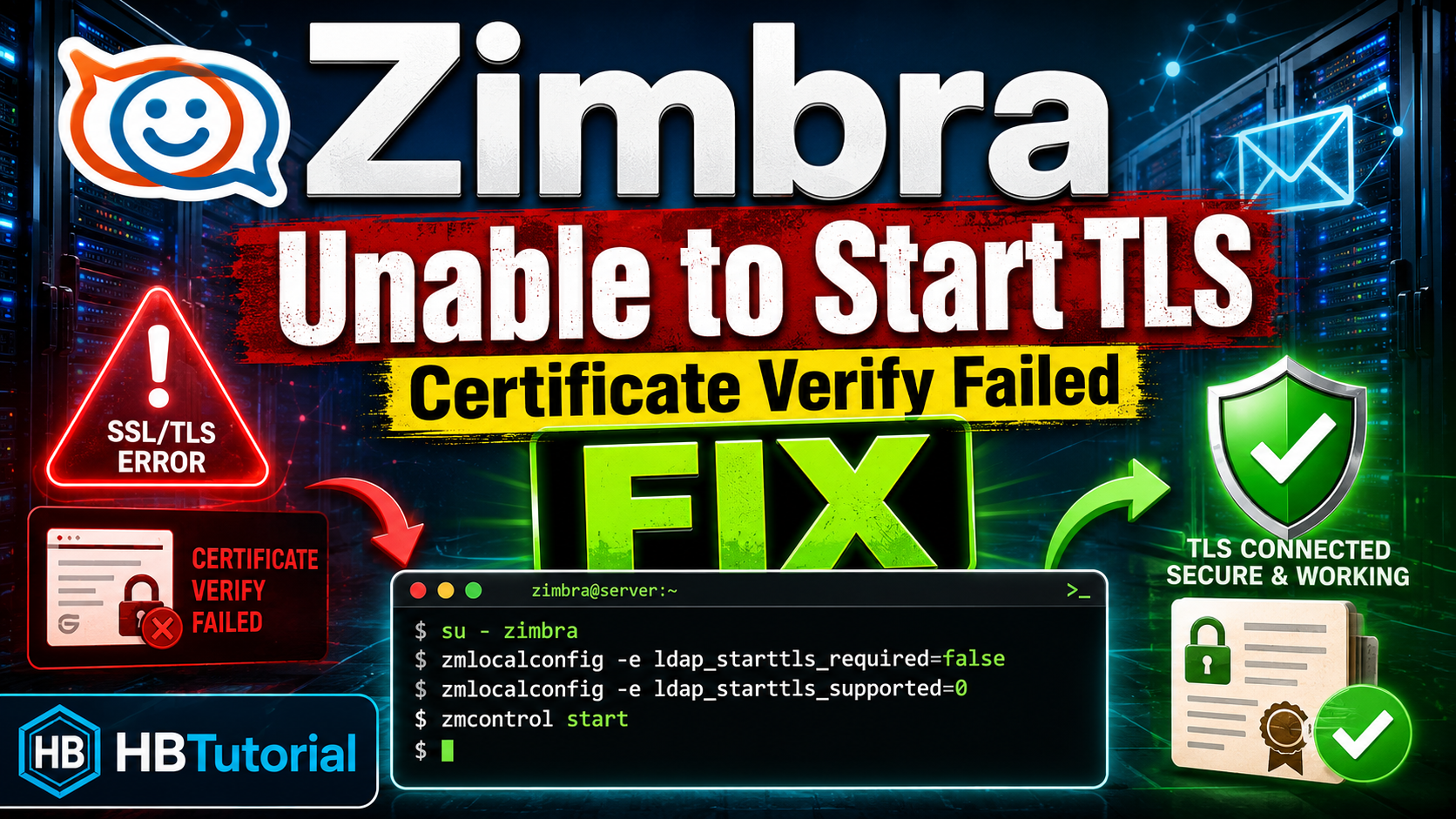
How to Fix Zimbra Unable to Start TLS Certificate Verify Failed Error
Hi guys,
If you are running a Zimbra mail server and you get an error saying Unable to start TLS, this guide will show you one possible fix.
This issue can happen when Zimbra tries to start LDAP but fails because of an SSL or TLS certificate verification problem.
Error Message
The full error may look like this:
Host mail.mydomain.local.id
      Starting ldap...Done.
Unable to start TLS: SSL connect attempt failed error:14090086:SSL routines:ssl3_get_server_certificate:certificate verify failed when connecting to ldap master.
Cause of the Problem
The error usually means Zimbra is trying to connect to the LDAP master using TLS, but the certificate verification is failing.
There are usually two possible areas to check:
- SSL/TLS protocol configuration
- Zimbra LDAP StartTLS local configuration
In this guide, we will use the LDAP StartTLS configuration method.
Step 1: Login as Root
Login to your Zimbra server as root.
ssh root@your-zimbra-server-ipStep 2: Switch to Zimbra User
Run this command:
su - zimbraStep 3: Update LDAP StartTLS Settings
Run the commands below:
zmlocalconfig -e ldap_starttls_required=false
zmlocalconfig -e ldap_starttls_supported=0
Make sure there is no space before or after the equal sign.
Step 4: Start Zimbra Services Again
Now start Zimbra again:
zmcontrol startYou can also check the service status:
zmcontrol statusExpected Result
After applying the configuration, Zimbra should start normally again.
Host mail.mydomain.local.id
      Starting ldap...Done.
      Starting logger...Done.
      Starting mailbox...Done.
      Starting service webapp...Done.
      Starting zimbra webapp...Done.
      Starting stats...Done.
Recommended Long-Term Fix
The commands above can help you recover the server quickly, but the better permanent fix is to check and repair your Zimbra SSL certificates.
You may need to check:
- Expired Zimbra SSL certificate
- Wrong hostname or domain in the certificate
- Broken certificate chain
- Self-signed certificate not trusted by Zimbra LDAP
- Incorrect local hostname or DNS resolution
Useful Commands for Checking Zimbra Certificate
su - zimbra
zmcertmgr viewdeployedcrt
zmhostname
zmlocalconfig ldap_url ldap_master_url ldap_host ldap_starttls_required ldap_starttls_supported
Conclusion
If your Zimbra server fails to start LDAP and shows the error Unable to start TLS: certificate verify failed, changing the LDAP StartTLS local configuration may help you bring the server back online.
Again, this should be treated as a recovery workaround. For production servers, it is better to properly fix or renew the SSL certificate.
I hope this guide helps you fix your Zimbra mail server issue.
By HBTutorial
Website: https://hbtutorial.com
Blog: https://blog.hbtutorial.com